Finds a working connection
The app checks approved options for your network and saves the one that maintains the connection.
FreedomTelecom automatically selects an available connection and updates its settings. Services that need a direct connection keep using it.
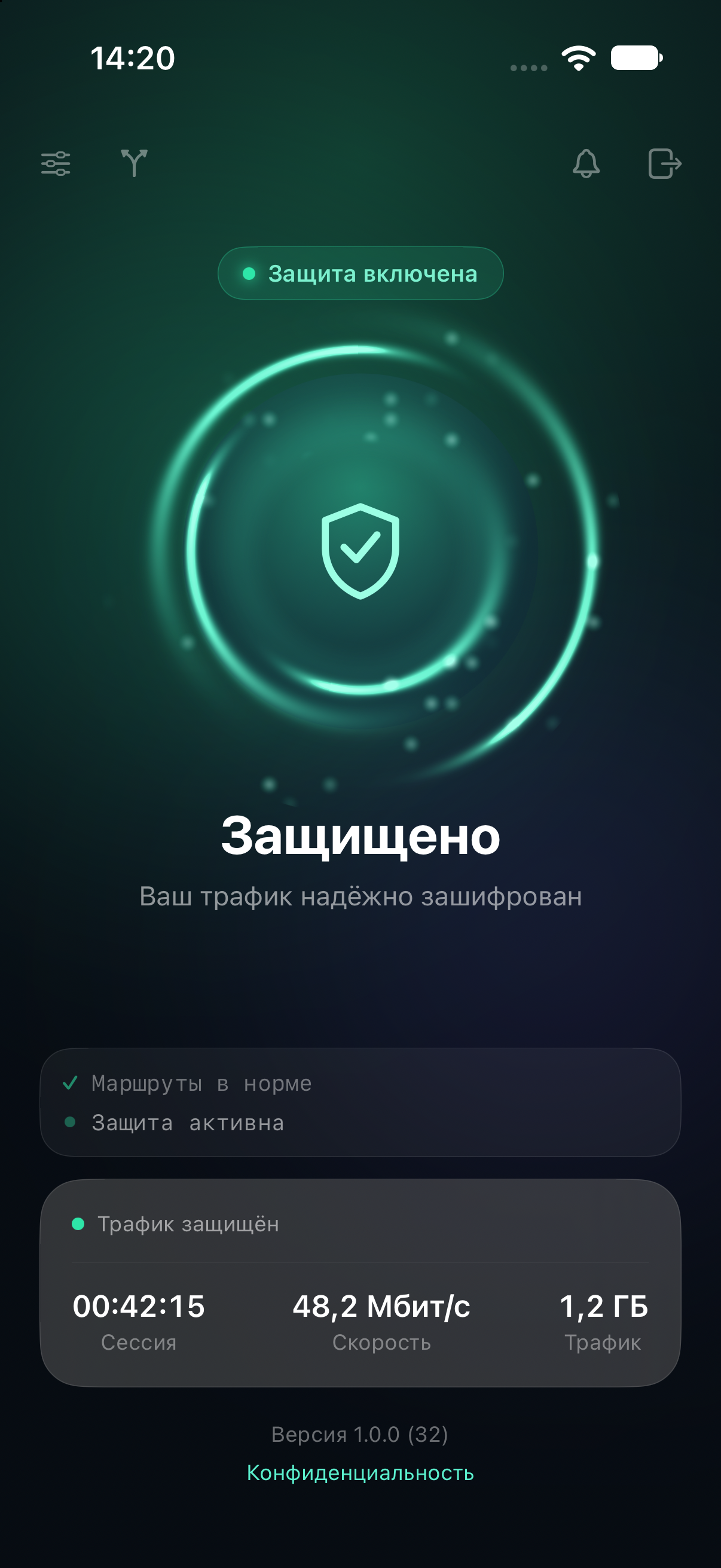
Check your connection status, traffic, subscription period and connected devices in the app.
The app checks approved options for your network and saves the one that maintains the connection.
Services that need a direct connection stay outside the tunnel.
The app verifies the signature on its settings. If they are altered or corrupted, the connection closes.
We update the service settings centrally. The app receives them when it connects.
After sign-in, the app receives signed settings and uses them in device memory.
You do not need to download files or enter addresses manually.When a network interferes with the connection, the app checks approved options and selects a stable one.
The working settings are saved for your network.Routing rules keep services that need a direct connection outside the tunnel.
These services use your regular internet connection.How the app handles network changes and services that need a direct connection.
The app selects another approved option. You do not need to find a new connection or import settings.
The iOS, macOS, Android and Windows apps share one account, with the same connection steps and a familiar interface.
A native app with a system network extension.
A menu bar app with a system extension.
A native client using the system connection service.
A native client with its own protected engine.
After payment, the bot issues an access code. It works across your devices and opens the same personal account.
Payment is handled through Telegram Stars. Manage your period, devices, and access code in your personal account.